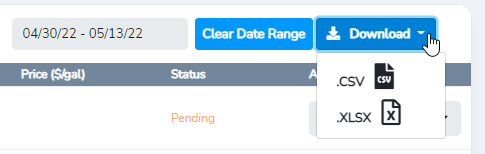
All orders that are completed through the platform can be viewed and exported for reconciliation.
1. Select the Order History page to view your orders placed on the platform.

a. Here, you can filter by date, hand-select or select all orders to be downloaded
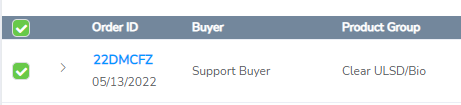
2. A green tick will appear for orders that have been selected.
3. Click the Download and select the .csv or .xlsx format from the drop-down menu.